Before updating
Install the CP210x or CH340/CH341 USB driver if your computer does not show the radio as a serial port. Use a real USB data cable, not a charge-only cable.
Update an ATS25 receiver from Chrome or Edge over USB, then restart the radio into GOLDENRADIO with the latest firmware and EiBi database workflow.
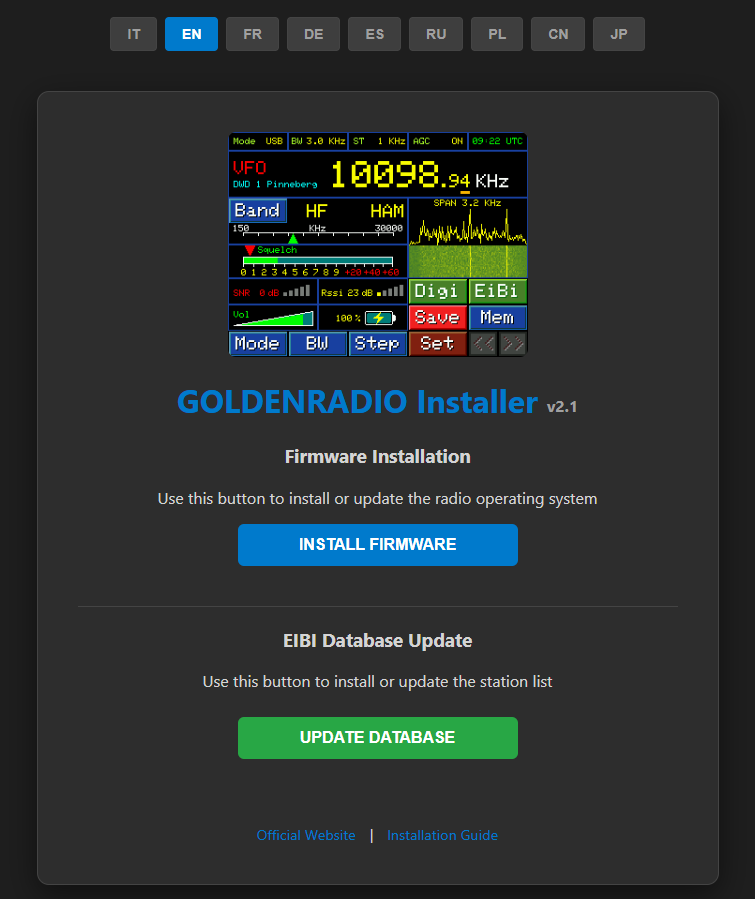
Install the CP210x or CH340/CH341 USB driver if your computer does not show the radio as a serial port. Use a real USB data cable, not a charge-only cable.
Keep the radio connected until the browser installer reports completion. Disconnecting during flashing can leave the device in a temporary recovery state that requires repeating the installation.
Reconnect the USB cable and let the radio boot. GOLDENRADIO will show the startup screen and then the main receiver interface.