 WhatsApp
 Facebook
 YouTube
Utility
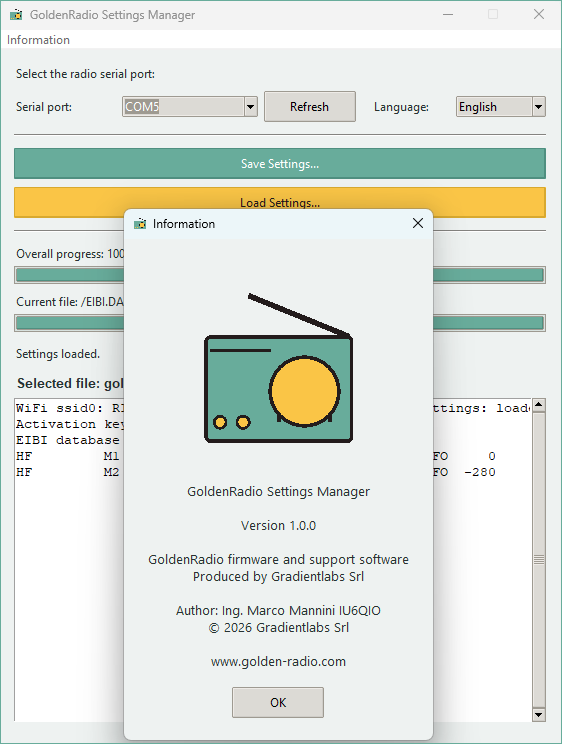
Full backup, restore and GoldenRadio Settings Manager.
Create a full .bin backup of your radio memory to roll back later.
Connect your radio via USB before proceeding.
Upload your .bin backup to restore the previous state.
Connect your radio via USB before proceeding.
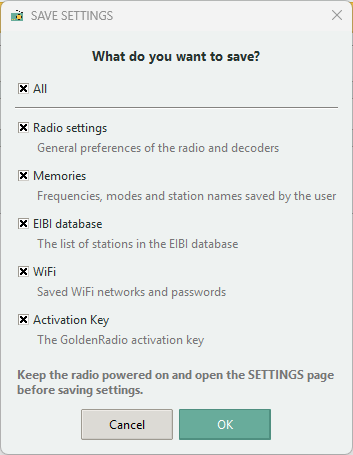
A tool to save and restore only your data, without touching the radio's firmware: you choose what to save among settings, memories, WiFi networks, the EiBi database and the activation key. Use it directly in your browser, on Windows, Mac and Linux, but only with Chrome or Edge (it does not work with Safari or Firefox). Alternatively, you can download the “GoldenRadio Settings Manager” program for Windows 10 and 11. Requires GOLDENRADIO version 2.2.3 or later already installed on the radio.