Why a web installer matters
Most ATS25 firmware updates are confusing because users must choose files, offsets, drivers, and flashing tools. The web installer removes most of that friction and gives users a single repeatable path.
Flash GOLDENRADIO from the browser, upload the EiBi database, and keep firmware installation in one place without separate desktop flashing tools.
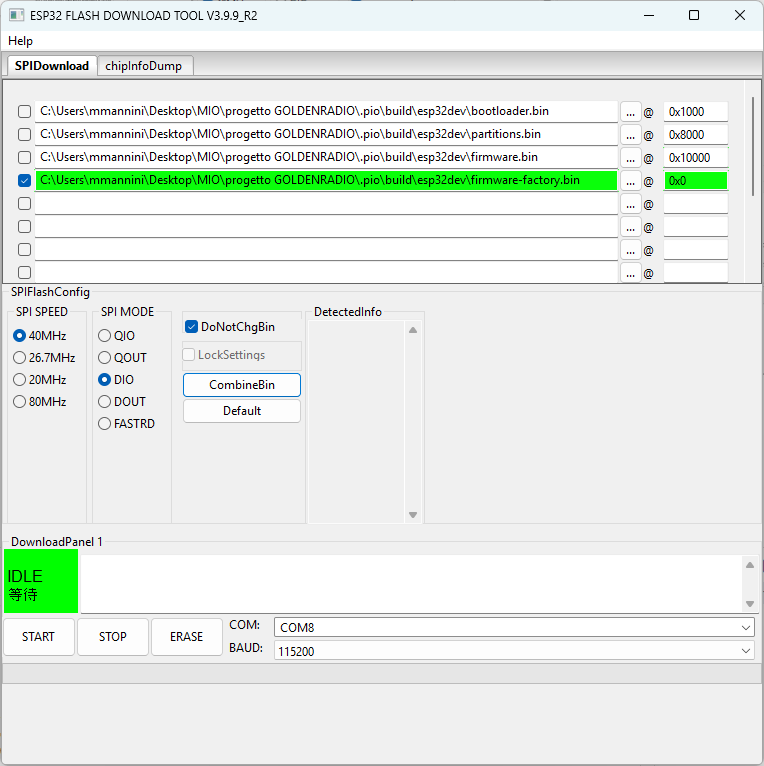
Most ATS25 firmware updates are confusing because users must choose files, offsets, drivers, and flashing tools. The web installer removes most of that friction and gives users a single repeatable path.
The install page manages connection, firmware flashing, and the supporting files needed by the receiver. It is the safest entry point for users who are not embedded developers.
Manual flashing tools remain useful for recovery and advanced debugging, but the public GOLDENRADIO flow should start from the web installer.