 WhatsApp
 Facebook
 YouTube
Firmware activation
On the Settings page the KEY button has two different colors: brown if the firmware is not yet activated; gray and disabled once activated.
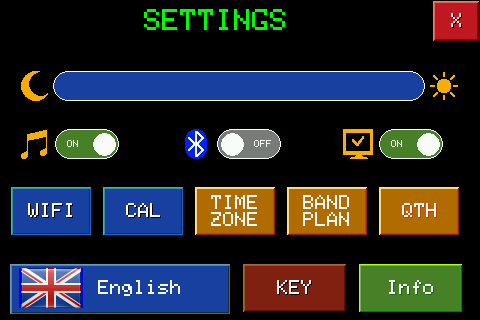
In this example the firmware is not yet activated: pressing KEY immediately starts the activation procedure, without waiting for the radio to propose it on its own - which it does periodically during use, approximately every 15 minutes, until you activate it.
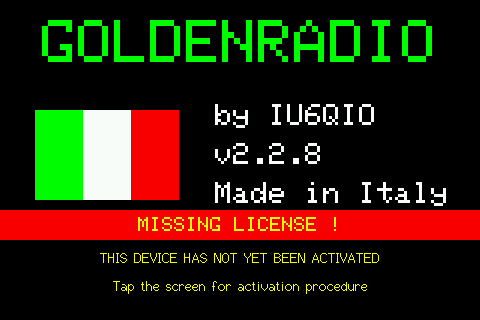
The MISSING LICENSE screen appears: tap the screen to continue.
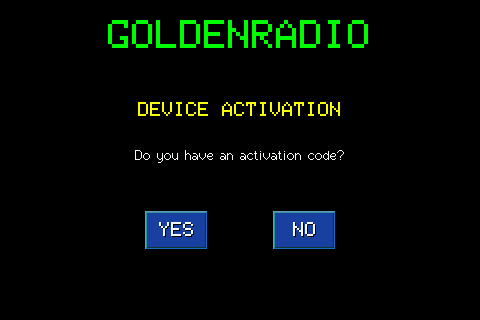
The radio asks if you already have an activation code: YES if you already have it, NO if you have yet to purchase it.
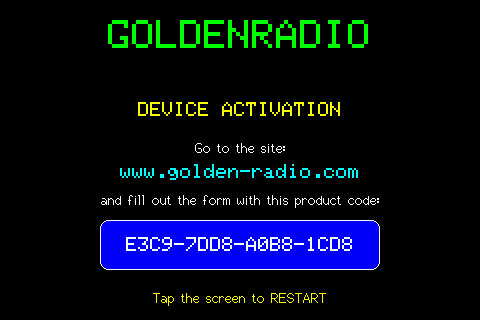
By choosing NO, the radio shows the unique code of the device (Product ID) and instructions for purchasing the license on www.golden-radio.com, by entering this code in the site form. Tapping the screen restarts the radio.
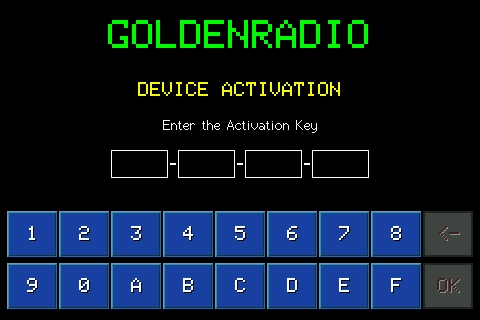
Choosing YES opens the keyboard to enter the activation key: 16 characters, divided into four groups of four, received via email after purchase. DEL deletes the last character inserted; OK enables only with full key, and confirms.
If the key is incorrect, a red warning appears for a couple of seconds and you can correct it.
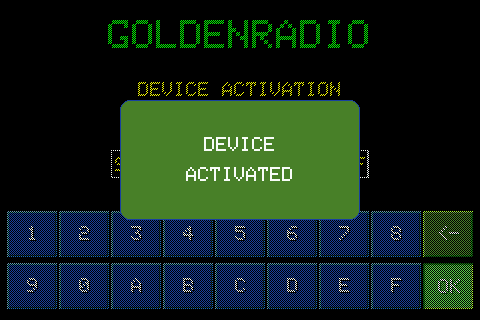
If it is correct, the DEVICE ACTIVATED confirmation appears and the radio returns directly to the main page, ready for use: no restart is required.