 WhatsApp
 Facebook
 YouTube
CHAPTER 24
Information
By pressing  on the Settings page you access two screens with the radio's technical information; just tap the screen to switch from first to second, and again to return to the Settings page.
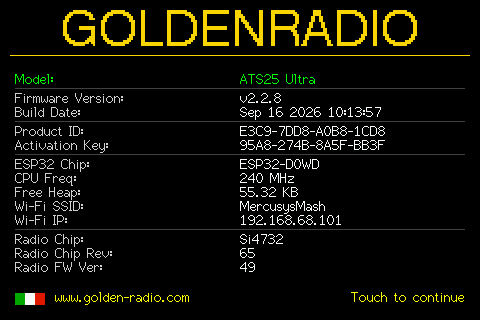
The first page shows: model, firmware version and build date; Product ID and Activation Key (the latter "N/A" if not yet activated); some ESP32 microcontroller data (chip, frequency, free memory); the WiFi network connected at that moment with its IP address (or "N/A"/"Not Connected" if you are not connected); and Si4735 radio chip data (model, revision, internal firmware version).
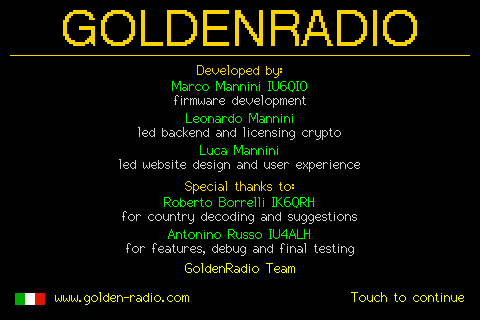
The second page shows the credits: who developed GOLDENRADIO and who contributed to the project.