 WhatsApp
 Facebook
 YouTube
CHAPTER 22
Choice of language
On the Settings page, under the shortcut buttons, a last line shows the currently set language, with its flag.

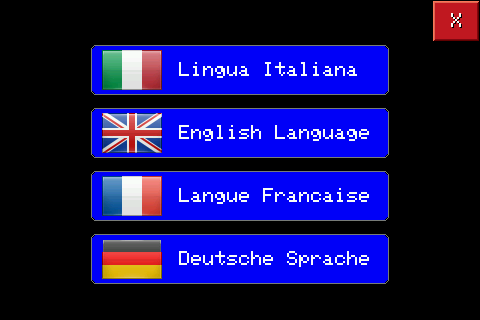
Tapping it reopens the same language list seen when you first turned it on, this time with an X at the top right to exit without changing anything.
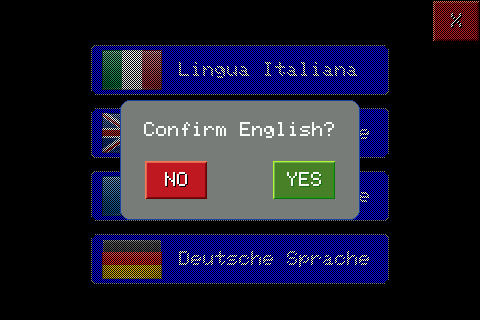
By touching a language, the same confirmation window seen when you first turned it on appears: NO cancels and returns to the list, YES confirms and immediately applies the new language, returning to the Settings page.